
HAVEN device services
Update and support your HAVEN device.
Connect over USB to install firmware, capture diagnostic logs, and manage integrations.
1
Get connected
Connect your HAVEN device
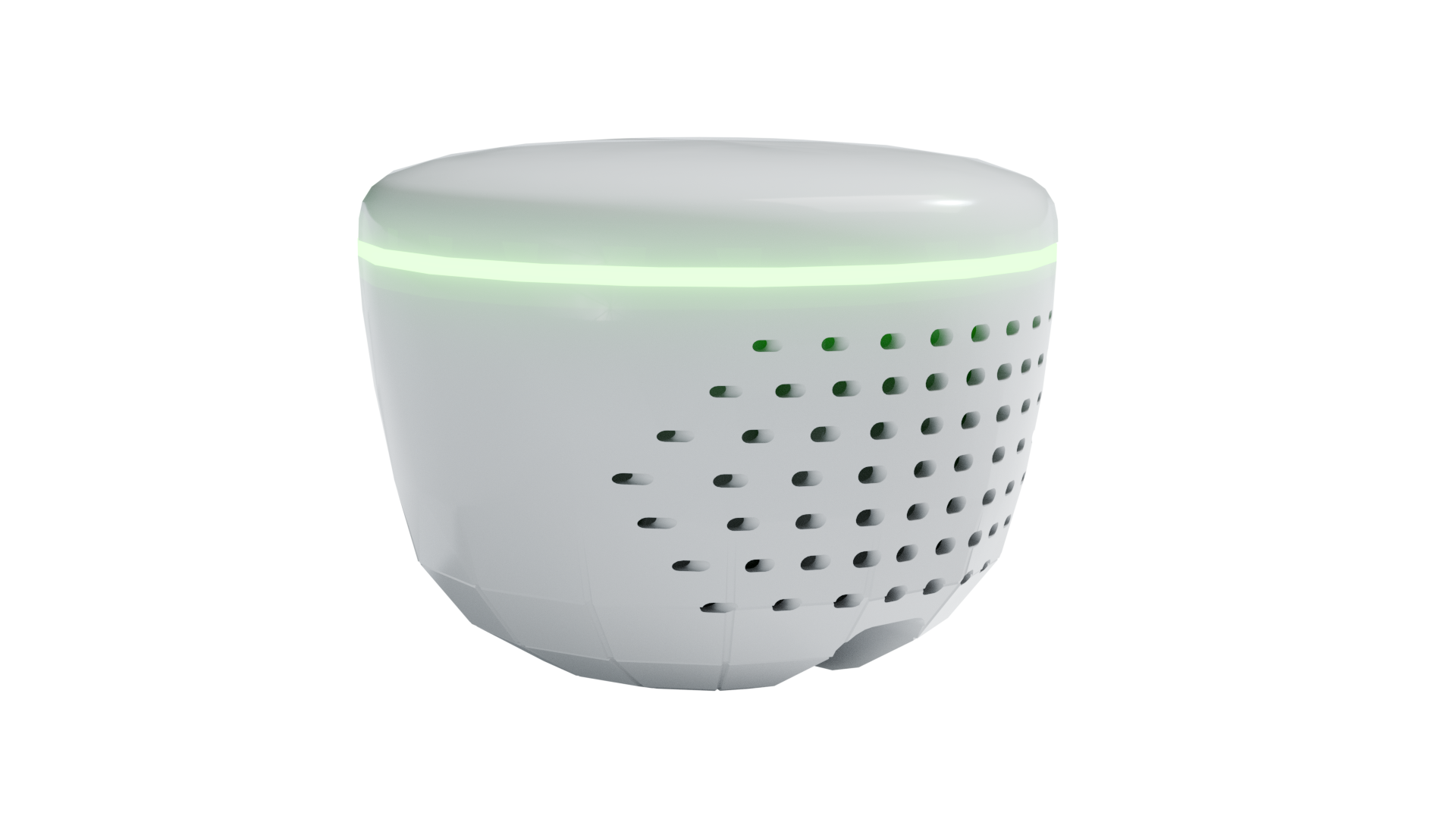
Before you begin
- 1Connect the device directly to your computer with a USB data cable.
- 2Confirm the device is powered on and close any other app using its USB port.
- 3Select the port named “USB JTAG” or “usbmodem” when your browser asks.
2
Device services
Choose a workflow
Pick the task you want to run over this USB connection.
Choosing the correct port
Look for “USB JTAG” or “usbmodem.” Avoid Bluetooth and unrelated USB devices.
Browser testing
Validated in desktop Chrome and Edge. Safari and Firefox are not yet validated.