Device Firmware Portal
Flash firmware to your HAVEN devices safely and easily. Simply connect your device via USB and follow the steps below.
1
Connect Your Device
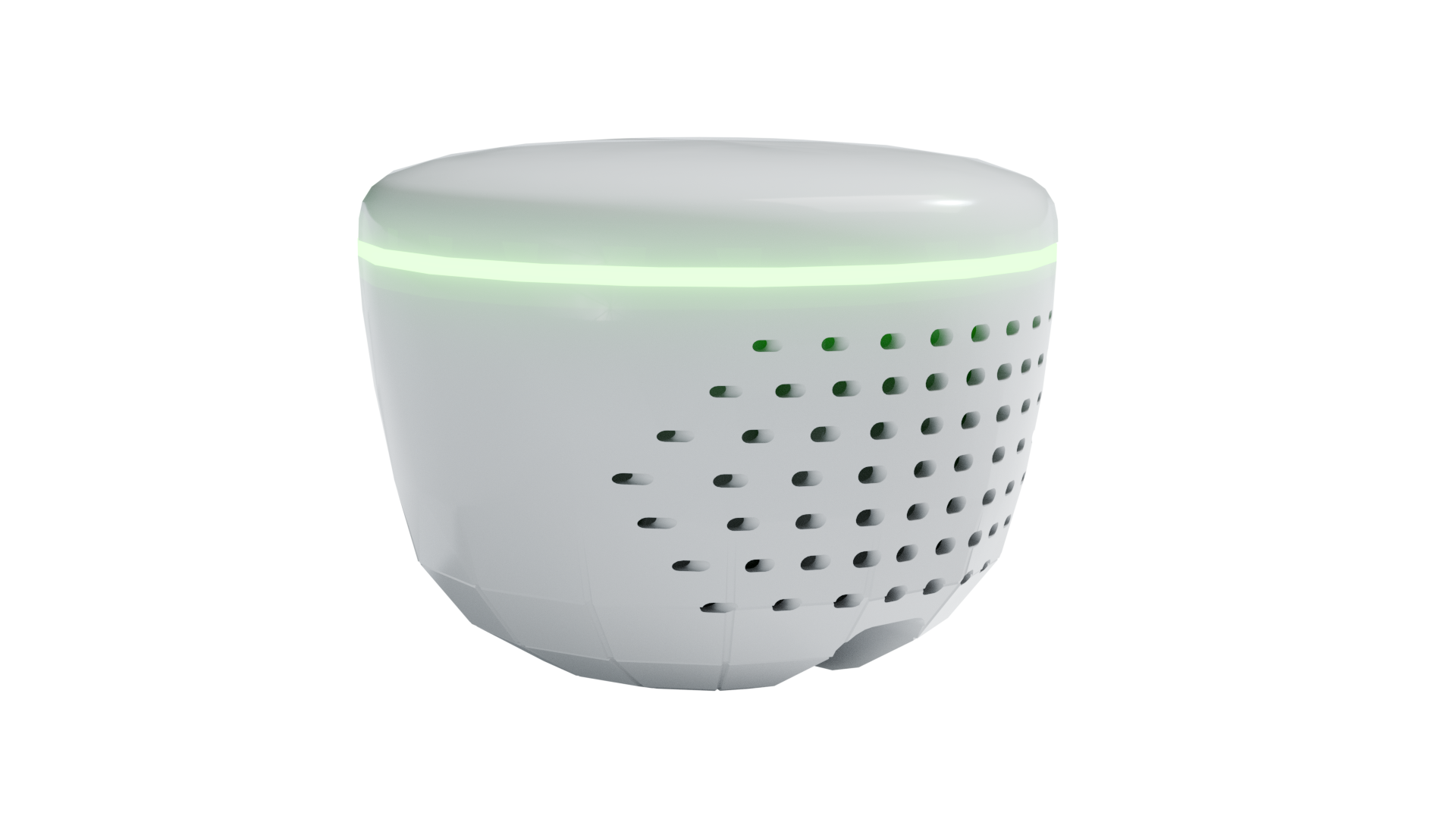
1. Connect your HAVEN device to your computer using a USB cable
2. Make sure the device is powered on
3. When the browser asks for serial port access, look for a device with "USB JTAG" or "usbmodem" in the name
What would you like to do?
Serial Monitor Only: View live device logs without updating firmware - perfect for debugging connectivity issues.
💡 Device Selection Tip: When the browser asks for serial port access, look for a device with "USB JTAG" or "usbmodem" in the name. This is typically your HAVEN device. Avoid selecting Bluetooth or other non-USB devices.
Browser Compatibility: This tool works best in Chrome or Edge browsers.
If you're using Safari or Firefox, please switch to Chrome for the best experience.